Table of contents
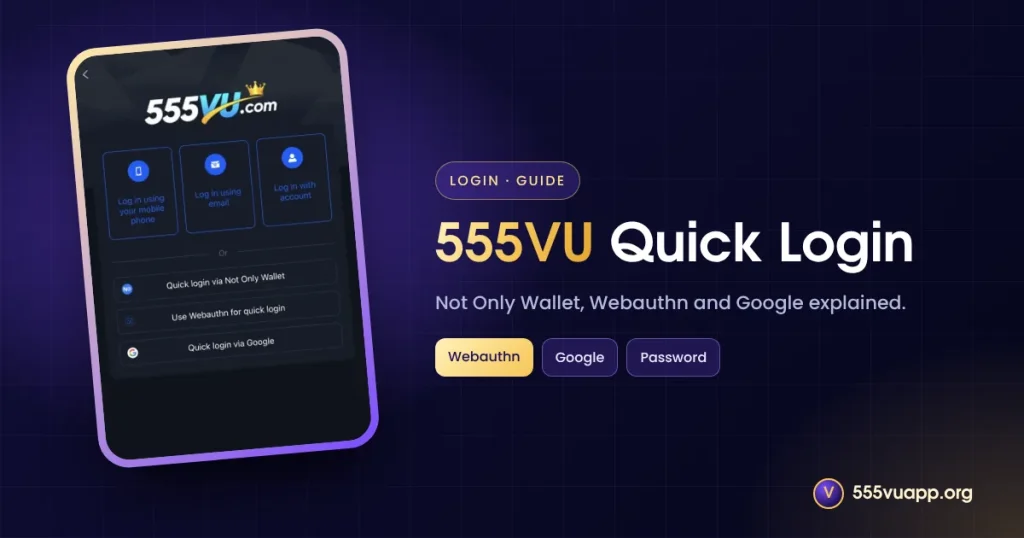
555VU quick login offers three shortcuts besides a password: Not Only Wallet, Webauthn and Google. This guide explains each, when to use it and how to keep it safe.
The 555VU Quick Login Screen
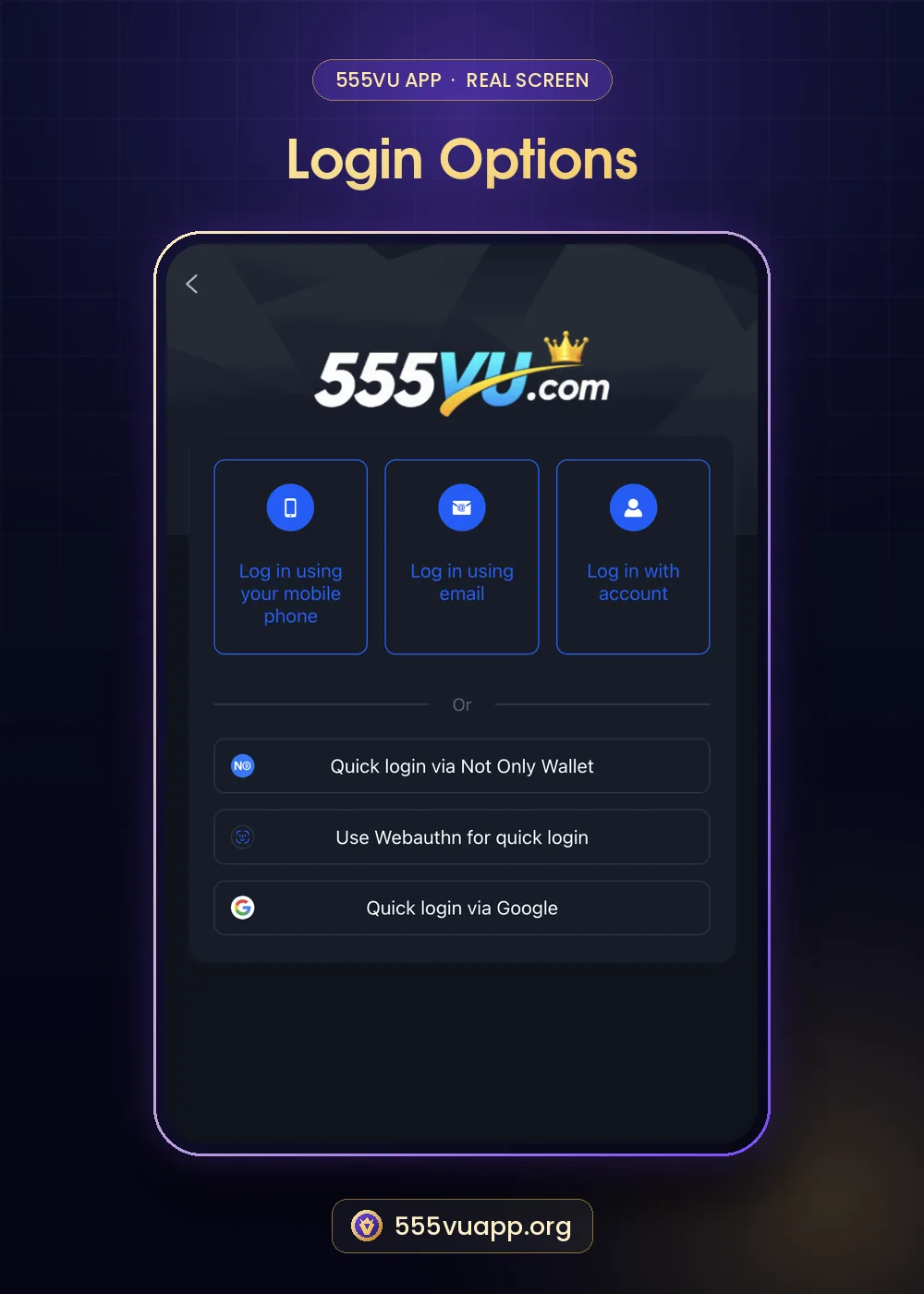
| Method | What happens | Best for |
|---|---|---|
| Not Only Wallet | Scan a QR with the wallet app | Wallet users |
| Webauthn | Phone face or fingerprint unlock | Your own phone |
| Sign in with Google | Fast sign-in |
Webauthn Explained
Webauthn is a web standard that lets your device confirm it is you with its screen lock, fingerprint or face. Your biometric data stays on the phone; the site only receives a cryptographic confirmation. It is one of the safest login methods available when used on your own device.
555VU Quick Login with Google
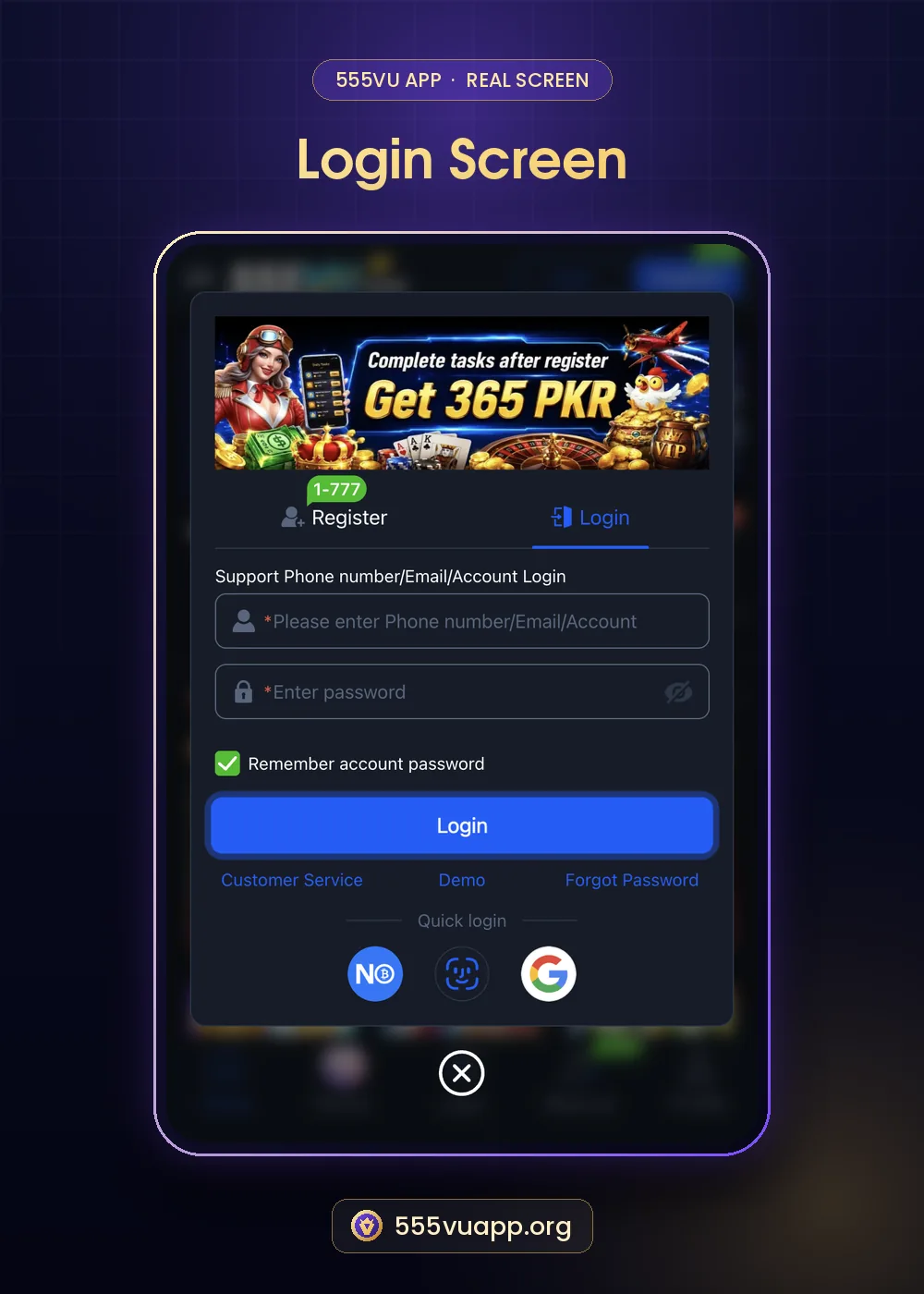
- Tap the Google icon.
- Choose your Google account.
- Approve the sign-in.
- You return to 555VU signed in.
Protect your Google account with two-step verification, because it now also opens your 555VU account.
When to Use a Password Instead
- On shared phones.
- If you may lose access to the Google account.
- If the wallet app is not installed.
Glossary
| Term | Plain meaning |
|---|---|
| Webauthn | Login with your device’s built-in unlock |
| Two-step verification | An extra code or prompt when signing in |
More on passwords: password reset guide. Official addresses: 555VU official URLs.
Step by Step: Turning On Webauthn
- Log in with your password on your own phone.
- Choose Use Webauthn for quick login.
- Confirm with your fingerprint, face or screen lock.
- Next time, tap the face icon to sign in.
Mixing Methods Safely
You can keep a password as a backup while using 555VU quick login day to day. Write the password in a password manager so a lost phone or a locked Google account never locks you out of your balance.
Lost Phone Plan
- Sign in on another device with your password.
- Change the password.
- Remove old devices from your Google account.
- Tell support if you see unknown activity.
Google offers a guide to securing accounts on its account security page.
Which 555VU Quick Login Should You Choose?
| Your situation | Best choice |
|---|---|
| Own phone, want speed | Webauthn |
| Already use the wallet | Not Only Wallet |
| Use Google everywhere | Google, with two-step verification |
| Shared phone | Password, and log out after |
Quick Checklist
- Backup password saved.
- Google two-step verification on.
- Webauthn only on your own device.
- Log out on shared phones.
Quick login is about convenience; your password is still the master key, so keep it strong.
Troubleshooting 555VU Quick Login
| Problem | Try |
|---|---|
| Webauthn prompt does not appear | Update your browser or app |
| Google login loops | Clear site data and try again |
| Wallet scan fails | Use the Login page with your password |
| New phone | Sign in with password, then set Webauthn again |
The Short Version
555VU quick login is safe and convenient on your own device. Keep a strong password as backup, protect your Google account with two-step verification and use Webauthn only on a phone nobody else unlocks.
Why Quick Login Helps Security
Typing a password on a busy screen invites mistakes and shoulder-surfing. Webauthn and wallet scans avoid typing altogether, and Google adds its own suspicious-login checks. Used on your own phone, 555VU quick login is often safer than a password typed every day, as long as the backup password stays strong and private.
555VU Quick Login FAQ
Is 555VU quick login safe?
Yes on your own phone; avoid it on shared devices.
Does Webauthn share my fingerprint?
No, it stays on your phone.
Can I still use a password?
Yes.